AI Design Generator
Describe an idea, like “a wolf howling at the moon with geometric patterns”, and get tattoo artwork in black and white or full colour.
Take a photo of where you want it, add your design, and InkVisionApp shows how it will look on your skin.
Coming soon to iPhone and Android
How it works
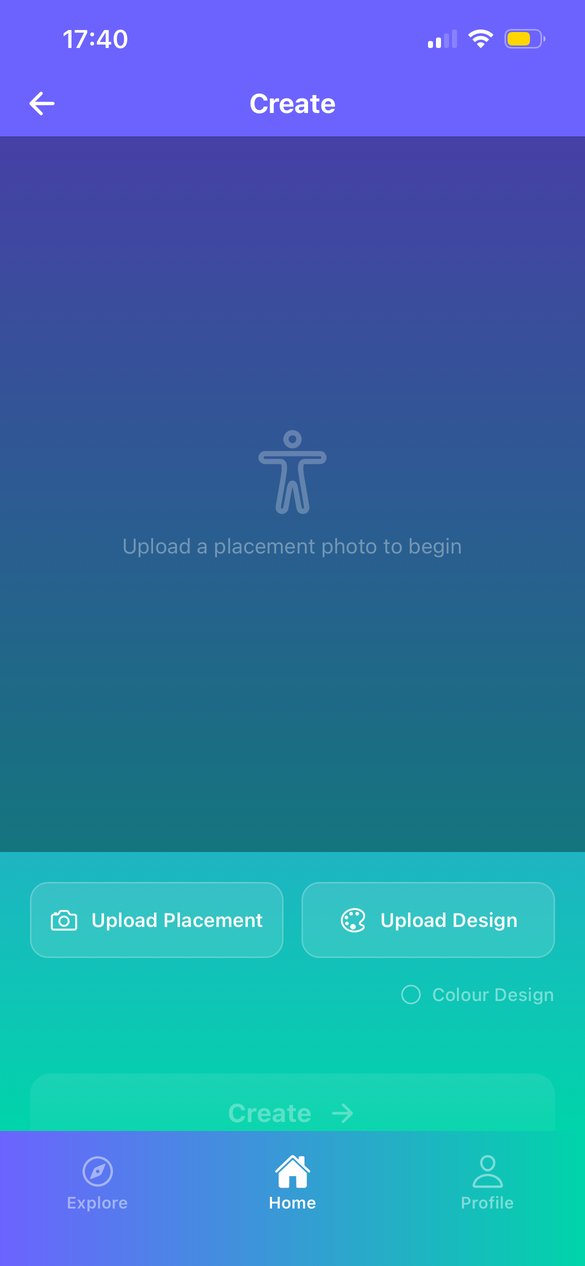
Upload a photo of your arm, leg, back or wherever the tattoo will go.
Upload artwork, generate one with AI, or type your own text. Tap around the design to cut it out from its background.
Drag, pinch and rotate the design until it sits exactly where you want it.
Tap Create. The app finds your skin and blends the design into it. Adjust the opacity, try the alternative method, then save or share.
What’s inside
Describe an idea, like “a wolf howling at the moon with geometric patterns”, and get tattoo artwork in black and white or full colour.
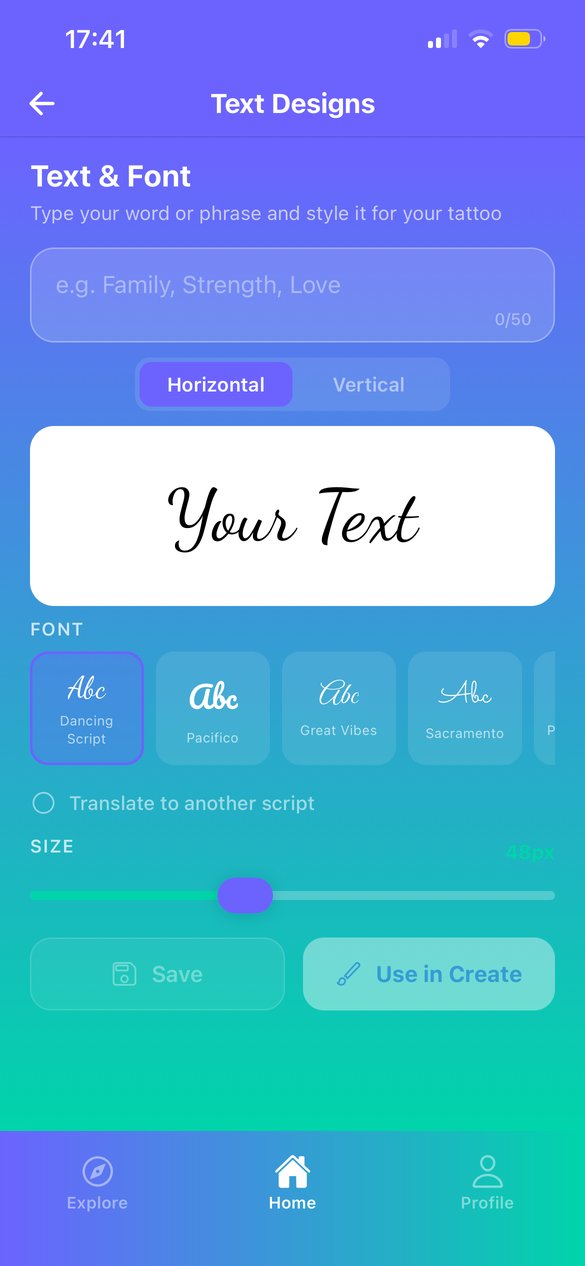
Turn a name, date or word into script lettering. Choose a font, set it horizontal or vertical, and translate it into another script.
Jump straight to tattoo inspiration on Pinterest, Instagram, Reddit and Google Images when you need ideas.
Keep your previews in My Creations and your artwork in My Designs, then reuse any of them in a new preview.
Black tattoo ink settles into a deep blue-black once it heals. InkVisionApp previews black and white designs in that healed tone, so what you see is closer to how the tattoo will look for years. Colour designs keep their own colours.
Questions
Yes. The app is free to download and use. Some features show a short ad before they run.
Your placement photo is sent for processing to find the skin area, then the result comes back to your phone. We only store images you choose to save to your account. See the Privacy Policy for details.
It’s a realistic guide to size, placement and style, but every artist, ink and skin type is different. Use it to decide, then talk the design through with your tattoo artist.
InkVisionApp is for people aged 18 and over.
Email support@inkvisionapp.com or visit the Support page.